If you freelance, you probably work from more places than an office worker does: a café, a coworking space, a client's guest Wi-Fi, a hotel. Those networks are shared with strangers, and that is exactly the situation a VPN was built for.
This guide explains what a VPN is, what it does and does not protect, and when it is worth paying for. It is based on providers' published information rather than hands-on testing.
What a VPN does
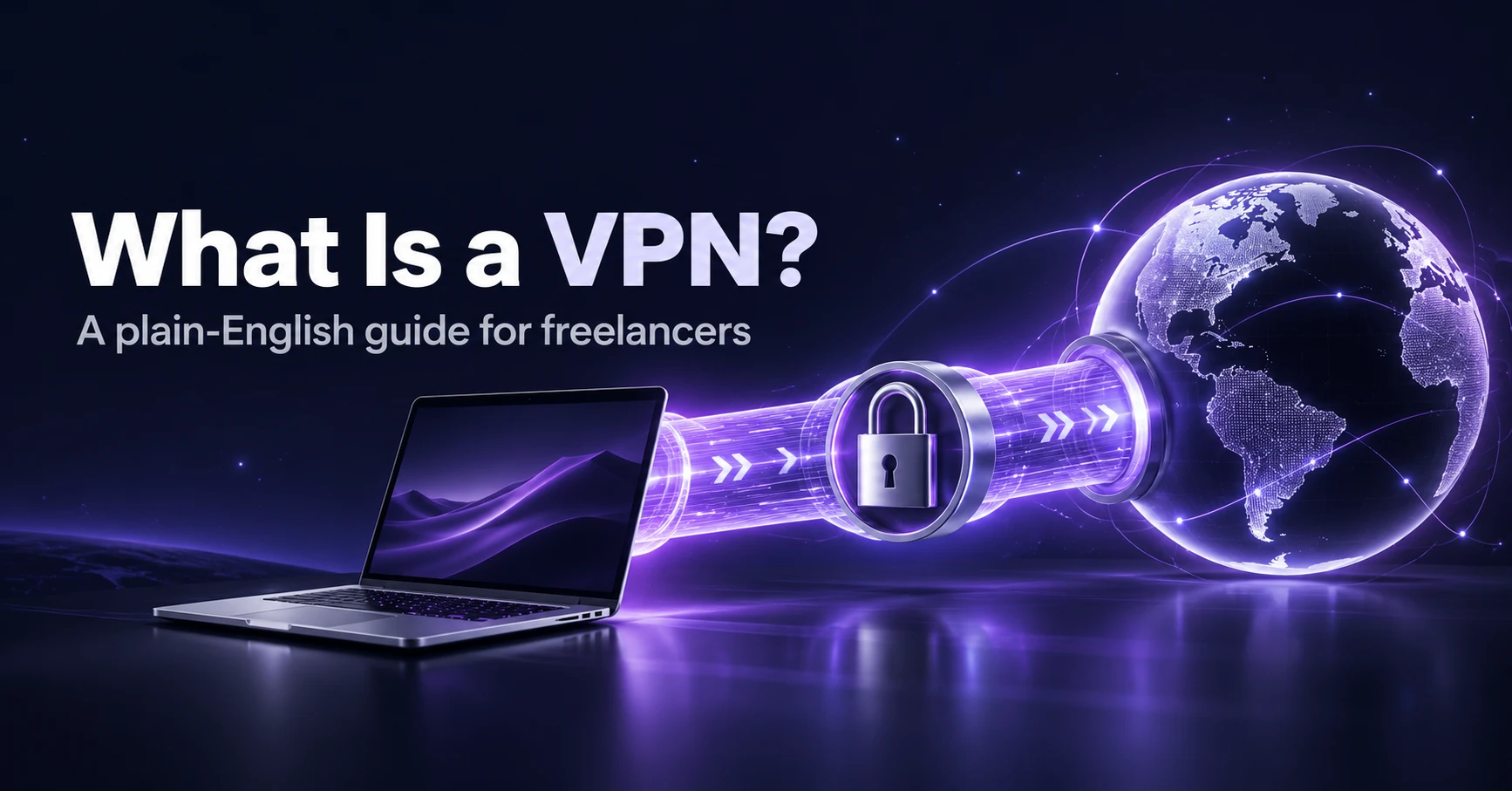
VPN stands for virtual private network. When you turn one on, your device builds an encrypted connection to a server operated by the VPN provider. Everything you send goes through that connection first and then out to the internet from the provider's server.
- It encrypts your traffic between your device and the VPN server, so other people on the same Wi-Fi cannot read it.
- It hides your real IP address from the websites and services you visit, which they see as the VPN server's address.
- It hides what you do from the network owner and from your internet provider, because they only see an encrypted connection to the VPN.
What a VPN does not do
- It does not make you anonymous. The VPN provider can see your traffic unless it has a strong, independently audited no-logs policy. You also identify yourself whenever you log in to an account.
- It does not stop malware or phishing. You still need updates, careful clicking and, on Windows, a good security setup. See our comparison of antivirus vs VPN.
- It does not protect weak passwords. Use a password manager and two-factor authentication.
When freelancers need a VPN
- Public or shared Wi-Fi. Cafés, airports, hotels and coworking spaces. Most sites use HTTPS today, which already protects much of your traffic, but a VPN adds a layer and hides which sites you visit.
- Travelling. Some services, banks and tools behave differently or block you abroad. A VPN lets you connect through a server in your home country.
- Client requirements. Some clients ask you to connect through their own VPN. That is a work VPN, which is separate from a consumer one.
- Privacy from your internet provider. If you do not want your provider to see which sites you visit, a VPN moves that visibility to the VPN company, so pick one you trust.
What to look for in a VPN
- A clear no-logs policy that has been independently audited.
- A kill switch that blocks traffic if the connection drops. See our guide to the VPN kill switch.
- Apps for every device you use and enough simultaneous connections.
- Fair pricing, including what the plan costs when it renews.
For our comparison of providers, read the best VPNs for freelancers.
The bottom line
A VPN is a useful layer for anyone who works on networks they do not control, but it is not a complete security plan. Pair it with strong passwords, two-factor authentication and regular updates, and choose a provider on its privacy record rather than on big claims.
Get our best reviews by email
New guides and honest reviews, straight to your inbox. No spam.