A stolen password should not be enough to lose an account. Two-factor authentication makes sure it is not, and it takes a few minutes to set up on the accounts that matter.
If someone gets hold of your password, two-factor authentication (2FA) is the thing that can still keep them out. It is one of the most effective security steps you can take, and it is free on most services.
How 2FA works
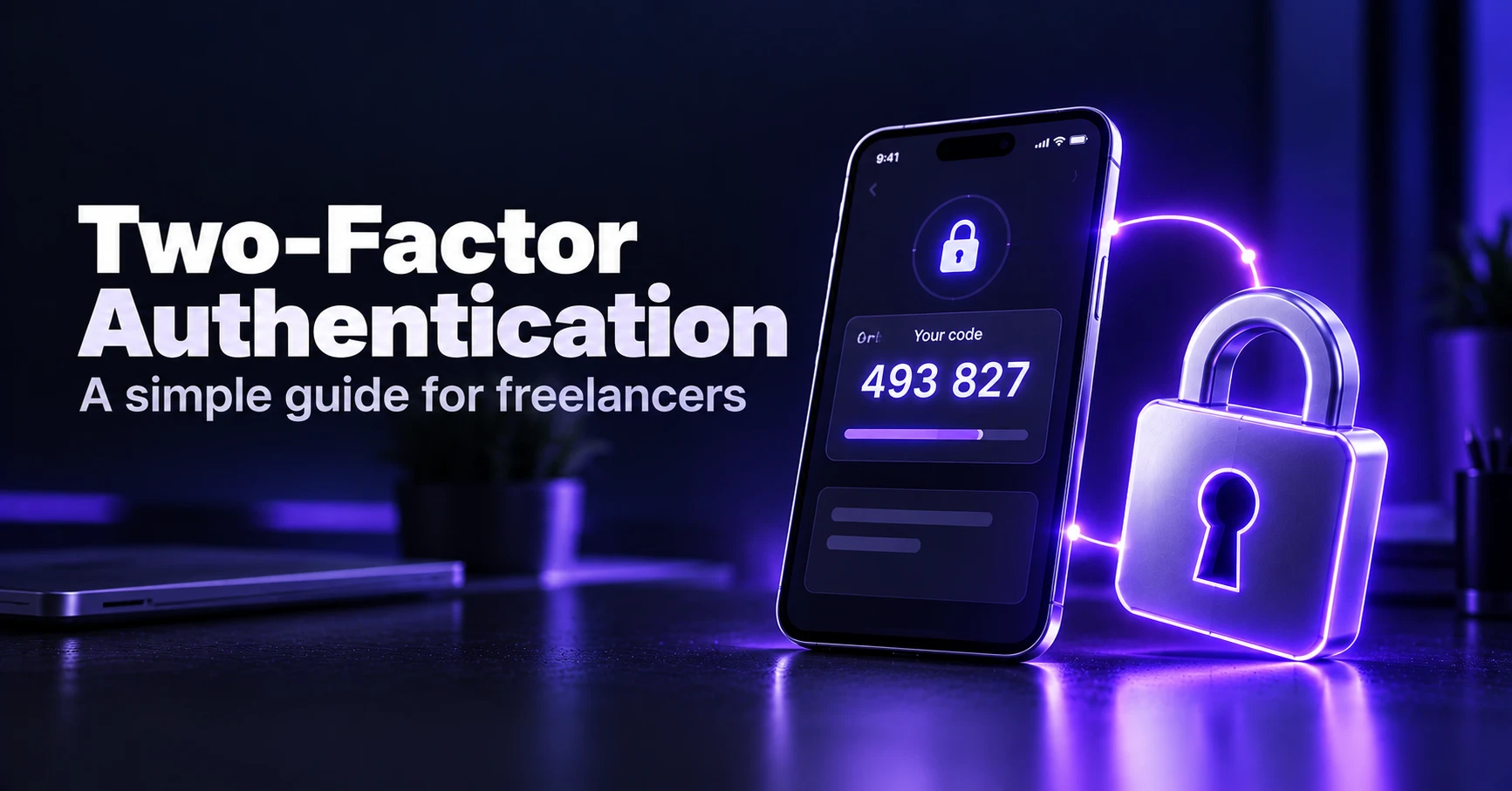
You log in with your password as usual. The service then asks for something else: a code, a prompt on your phone or a physical key. An attacker with only your password gets stopped at the second step.
Types of 2FA, from weaker to stronger
| Type | How it works | Strength |
|---|---|---|
| SMS code | A text message to your phone | Better than nothing, but can be intercepted |
| Authenticator app | A code that changes every 30 seconds | Good, and works offline |
| Push approval | A prompt to approve on your phone | Good, but watch out for accidental approvals |
| Security key or passkey | A physical key or built-in device login | Strongest, and resists phishing |
Which accounts to protect first
- Your main email, since it can reset almost everything else.
- Your password manager.
- Banking, payment and invoicing accounts.
- Cloud storage and project tools where client data lives.
- Domain, hosting and social accounts tied to your business.
How to turn it on
- Open the account's security settings and look for two-step or two-factor authentication.
- Choose an authenticator app where possible, and scan the QR code with it.
- Enter the code to confirm, and save the backup codes.
- Repeat for your most important accounts.
Common mistakes
- Not saving backup codes, then getting locked out.
- Approving a login prompt you did not start.
- Sharing a code with anyone, even someone who appears to be support.
- Using the same phone number for everything without protecting it with a PIN.
Combine 2FA with a password manager, and learn to spot phishing emails, which try to trick you into giving up codes.
The bottom line
Spend fifteen minutes turning on 2FA for your email, password manager and money accounts. It is the best protection you can add for the least effort.
Get our best reviews by email
New guides and honest reviews, straight to your inbox. No spam.